Post on TikTok without losing quality
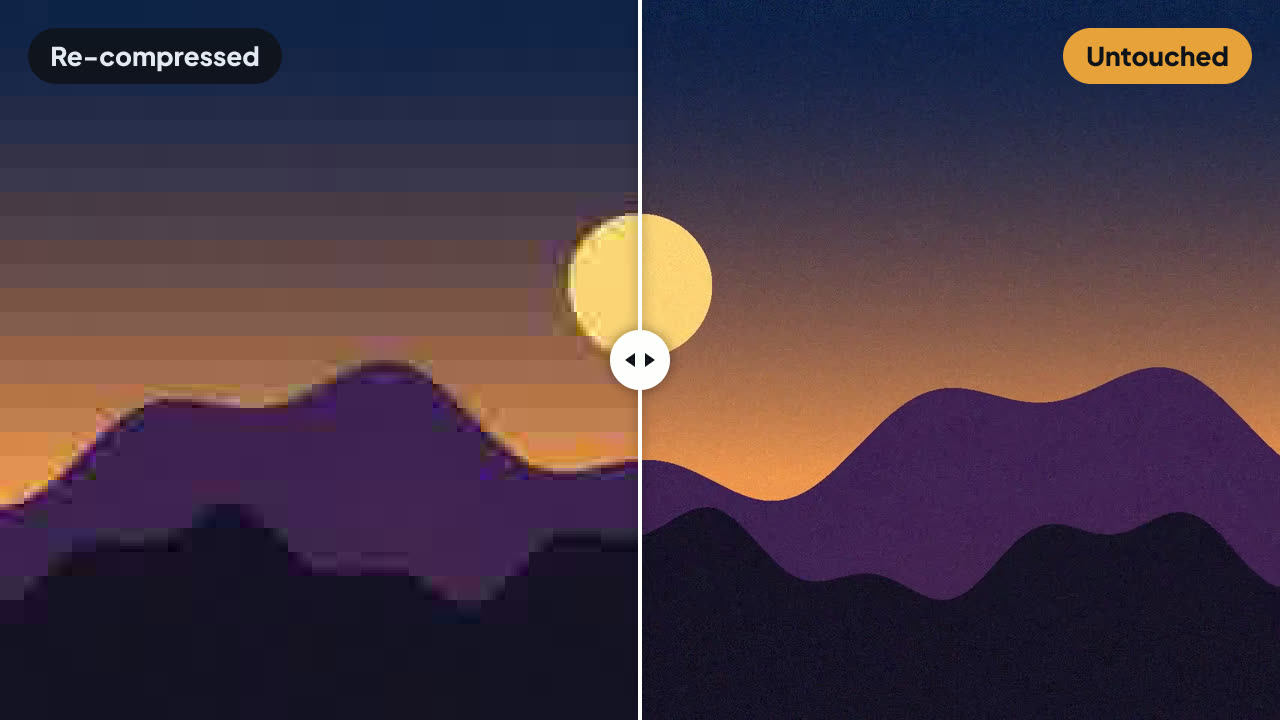
You export a clean, sharp video, upload it, and what comes out the other side is soft and blocky. TikTok puts uploads through its own compression. This tool repacks your file into the shape that gets waved through, so your picture reaches the feed the way you exported it.
Free: this tool costs no tokens at all, however many videos you run through it.
How to do it
- Open Keep quality on TikTok and drop your file in, or pick it from your device. It stays on your device.
- Check the settings. Nothing to set: drop the file and press Run. It takes seconds and costs no tokens. Then upload the result from a computer, through TikTok Studio on the web.
- Press Run, then preview and download the result.
What it actually does
Your video track is copied byte for byte — nothing is re-encoded here, so the tool cannot make your picture worse. What changes is the file's structure: a third track is added, a clone of the audio whose extra entries only inflate the number of samples the file declares. Files shaped like this come back from TikTok untouched, while the same clip uploaded raw comes back re-compressed.
The extra track points at the audio that is already in the file, so nothing is duplicated and the file grows by a fraction of a percent. Players ignore it: the video and audio they play are exactly the ones you exported.
Upload the result through TikTok Studio on the web — tiktok.com/tiktokstudio/upload, from a computer. This matters: the phone app compresses the video on your phone before it uploads, which rebuilds the file and undoes the repack. Through the website, the file reaches TikTok exactly as it left Frameloom.
Questions
- Can I upload from the TikTok app on my phone?
- No — only through TikTok Studio on the web (tiktok.com/tiktokstudio/upload). The phone app compresses the video itself before uploading, so the repacked file never reaches TikTok as it is. Open TikTok Studio in a browser on your computer and upload there; you can still edit captions and schedule from the app afterwards.
- Does this stop TikTok from compressing my video?
- TikTok always processes uploads. What changes is how much it does to them: files repacked this way come back untouched in our tests, instead of re-compressed. It is not a guarantee, and it can stop working if TikTok changes how uploads are handled.
- Does it make my video worse?
- It cannot. The picture is copied exactly as it was, not re-encoded. If the trick stops working, you have simply uploaded your original quality.
- Does the file get bigger?
- By a fraction of a percent. The extra track reuses the audio already in the file and adds a small tail of placeholder entries.
- Does it work for Reels and Shorts?
- It is built for TikTok, which is where we tested it. It does no harm elsewhere, but we make no claim about other platforms.
- Why is it free?
- Nothing is re-encoded, so it costs us nothing to run — it all happens on your own device. Our paid tools are the ones that do heavy work, like auto subtitles.