Make a thumbnail grid (contact sheet) from a video
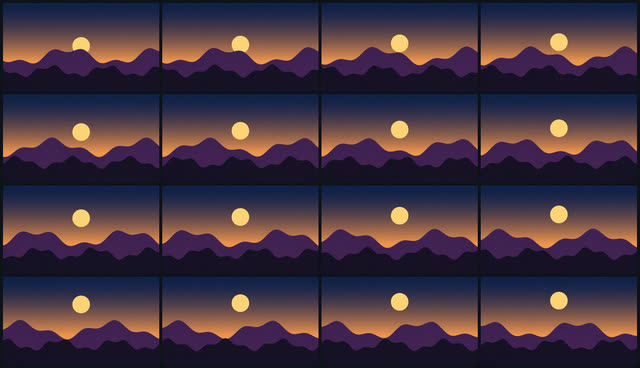
See a whole video at a glance. Frameloom samples frames evenly across the entire length and lays them out in a grid, as one JPEG or PNG image you can share, attach to a review or keep in an archive.
Free to try: a 10-minute video costs 1 token, and you get 30 every week.
How to do it
- Open Contact sheet and drop your file in, or pick it from your device. It stays on your device.
- Check the settings. Choose 3×3, 4×4 or 5×5 and the sheet width (1280 or 1920 px).
- Press Run, then preview and download the result.
Fast even on long videos
Frames are taken from the middle of equal slices of the video, so the grid covers it evenly from start to end. For videos longer than two minutes, Frameloom only decodes keyframes, which is many times faster and still gives a representative overview.
It's a single token, whatever the length up to 20 minutes.
PrivateYour file is processed in your browser and never uploaded.
No installWorks in Chrome, Edge, Firefox and Safari on any computer.
Smart settingsSettings are chosen for your specific file, not one-size-fits-all.
Free weekly30 tokens every week with a Google account. No card needed.
Questions
- JPEG or PNG?
- JPEG is much smaller and fine for sharing. PNG is lossless if you want to crop frames out later.
- Can I get the frames as separate images?
- Not yet. The tool makes one combined sheet.
- Does it work with long videos?
- Yes. Videos up to 4 hours are supported, and long ones are sampled from keyframes for speed.